Your Instagram Feed Is Doing One Job. It Could Be Doing Five.
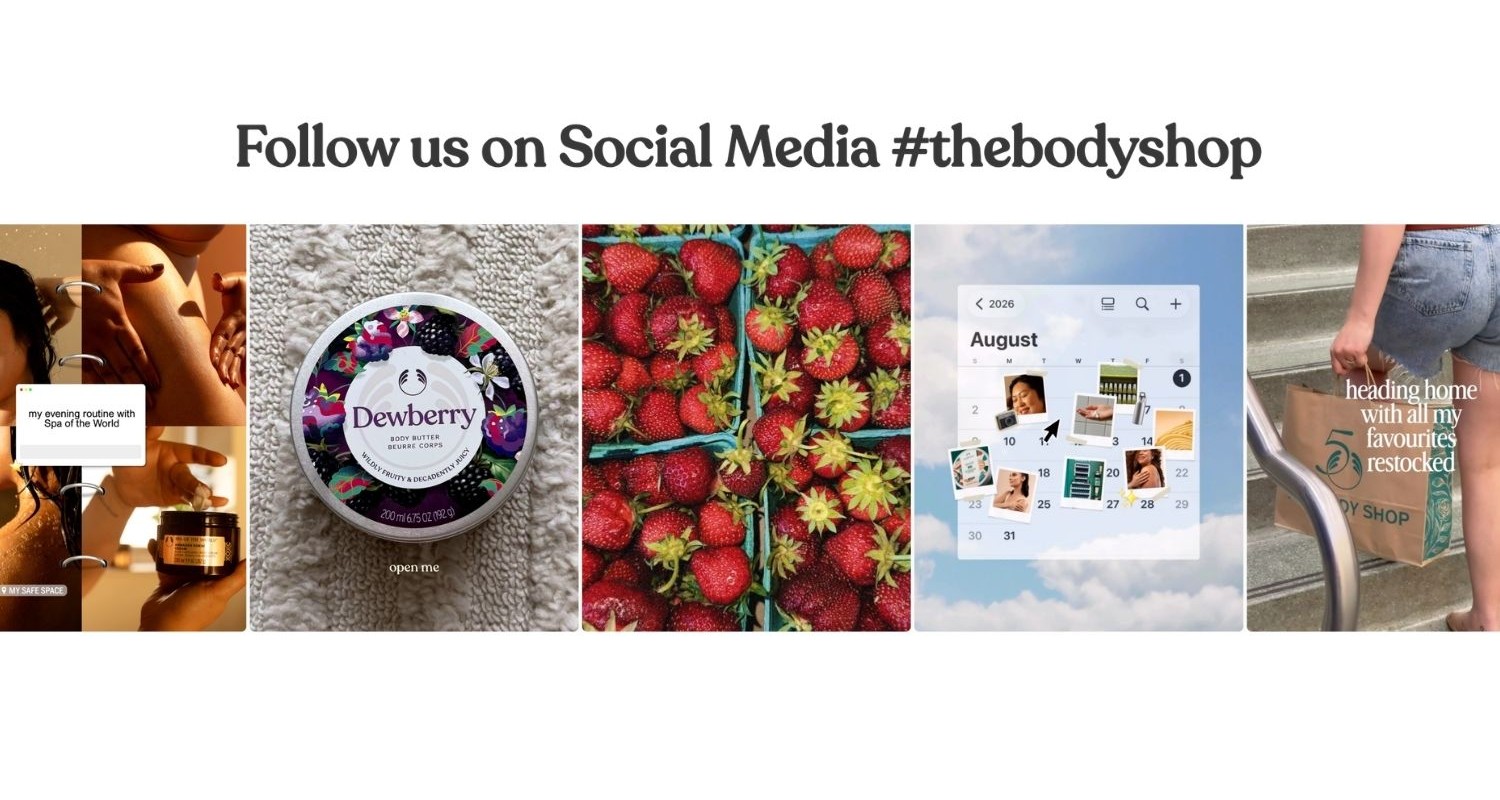
Most Shopify stores have the same setup: one Instagram feed, sitting somewhere on the homepage, showing the last twelve posts. It looks good. It does something. But it's working about as hard as a billboard you put up and forgot about.
The stores getting the most out of Instagram aren't just displaying a feed. They're putting the right content in the right place at the right moment in the shopping journey. That means a different feed on the homepage than on a product page. A different feed for a campaign than for a collection. Each one doing a specific job, each one earning its place.
Here's why that matters, and how to make it happen with our app, Mintt Instafeed.
The homepage Instagram feed is just the beginning for social proof
A homepage feed is great for first impressions. Visitors land, see you're active on Instagram, get a sense of your brand. That has value. But a homepage feed is doing one thing: showing that you exist.
Think about what a visitor actually experiences when they reach a product page. They've already scrolled past the homepage. They've found something they like. Now they're in that pause between “I want this” and “add to cart.” That moment is where social proof matters most, and it's where a general brand feed from two weeks ago doesn't do much.
What converts at that stage is specificity. Photos of that exact product being worn, used, or loved by real people. Context that makes the purchase feel safe and obvious. A single homepage feed can't deliver that on a product page, a collection page, and a campaign page all at once. Multiple feeds can.
What changes when you run multiple feeds on your Shopify store
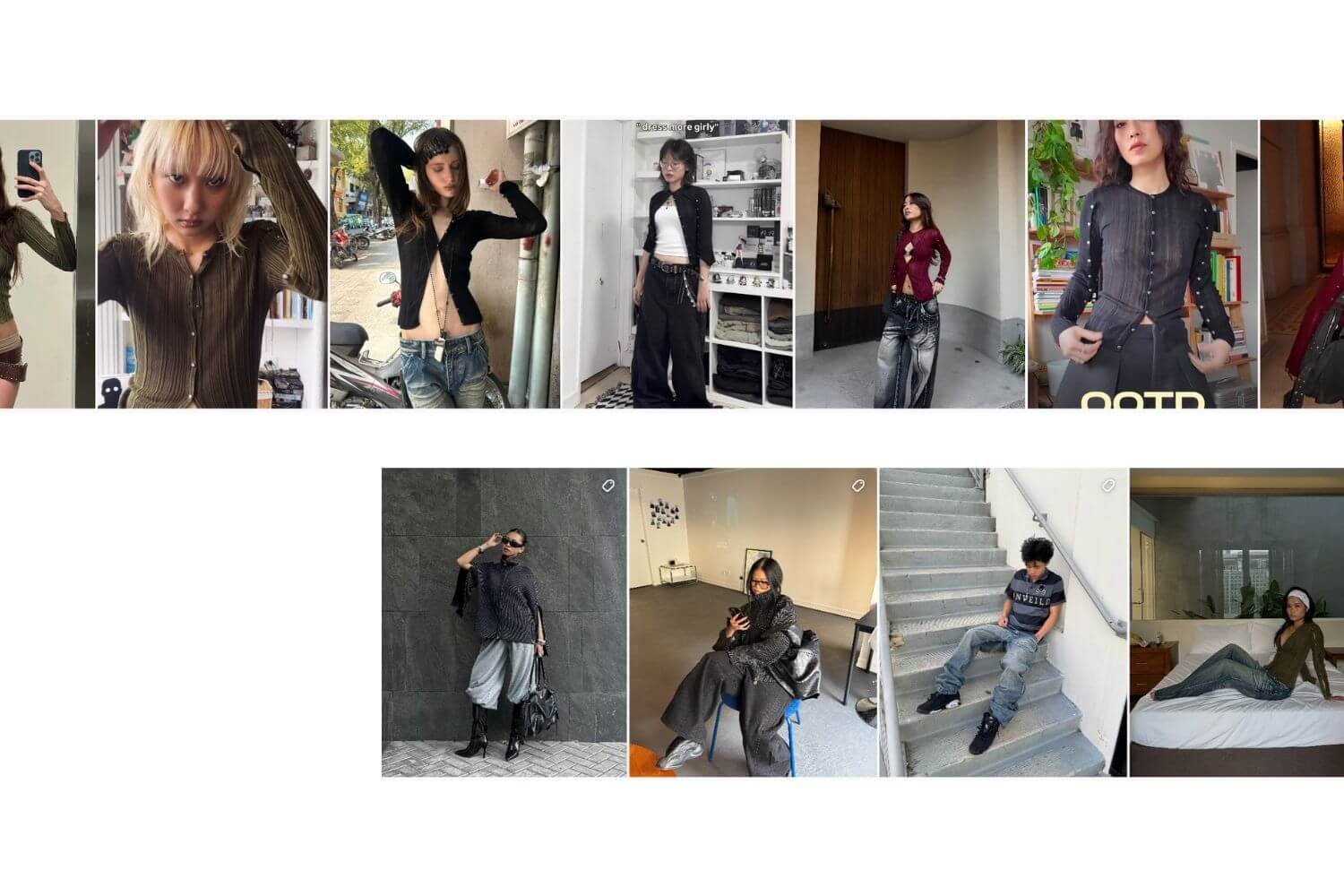
The clearest way to see the difference is with an example. A fashion brand selling both menswear and womenswear has one Instagram account and one homepage feed that mixes content from both. That's fine on the homepage. But on the Women's Collection page, showing men's lookbook posts alongside women's is noise. It breaks the browsing experience and misses the chance to reinforce exactly what the shopper is already interested in.
The same logic applies to a skincare brand running a summer campaign. Their campaign page should show campaign content, not posts from three months ago that happen to share a grid. Or a home goods store where kitchen products and bedroom products sit in completely different corners of the store, but get shown the same Instagram feed everywhere.
Multiple feeds let you match what's on the page to what's in the feed. When those two things are aligned, the feed stops being decoration and starts being a reason to buy.
With Mintt Instafeed, each feed is independent. You can connect it to a different Instagram account, filter it by hashtags, tag specific products, and place it on any page of your store without touching the others. The homepage feed stays evergreen. The product page feed shows relevant context. The campaign page pulls fresh posts automatically for as long as the campaign runs.
Where each Instagram feed earns its place
Product pages
Product pages are the highest-value placement in any Shopify store. A feed showing real customers using that specific product, with products tagged so shoppers can add to cart directly from the image, closes the gap between browsing and buying better than almost any other element on the page. It's social proof at the exact moment a decision is being made.
Collection pages
Collection pages benefit from feeds that match the category. Summer styles for a summer collection, home office setups for a workspace range, gift ideas for a curated gift section. Visitors stay in the right mindset for what they're looking at, and the feed reinforces rather than distracts.
Campaign and sale pages
Campaign and sale pages are where a live feed earns its keep most visibly. Instead of static banners that go stale the moment you publish them, a hashtag feed pulls fresh community and creator content for as long as the campaign runs. When the campaign wraps, you swap or archive the feed.
About and brand pages
About and brand pages do a different kind of work. A feed of behind-the-scenes posts, team moments, or brand story content builds connection with visitors who aren't ready to buy yet. That's not a conversion feed; it's a trust feed. And it deserves its own content, separate from what you'd put on a product page.
For a closer look at what works, see shoppable Instagram feed best practices.
How Mintt Instafeed makes it work on Shopify
Mintt Instafeed is the Instagram feed app for Shopify that handles all of this without any code. You create each feed inside the app, configure its layout and content source independently, and drop it onto whatever page makes sense via the Shopify theme editor.
The Pro plan ($8/month) supports up to three feeds and covers product tagging, Stories, video autoplay, and shoppable carousels. The Plus plan ($20/month) removes the feed limit entirely and adds the features most useful for a multi-feed strategy: hashtag filtering to pull campaign-specific content, UGC from customer-tagged posts, hide/pin/reorder controls, and analytics so you can see which feeds are driving the most engagement. Both paid plans come with a 7-day free trial.
If you're just getting started, the free plan is a genuine option. Responsive grid or slider layout, hourly auto-sync, no Mintt branding, works with every Shopify theme. You can run one feed for free indefinitely and upgrade when you're ready to expand.
Performance is worth mentioning because it's a common concern when adding any app to a store. Mintt Instafeed uses lazy loading, minimal scripts, and CDN delivery, so feeds load fast without affecting your store's Core Web Vitals. That holds even on high-traffic stores and during peak events like Black Friday.
The difference between decoration and strategy
One Instagram feed on a Shopify store is social proof. Multiple feeds, placed with intention, are a conversion layer that updates itself, adapts to every page, and keeps working without manual effort.
The brands getting the most from their Instagram feed for Shopify aren't necessarily posting more or doing anything different on Instagram. They're just putting more thought into where the content lands. A homepage feed is where that thinking starts. It doesn't have to be where it ends.
If you're already using Mintt Instafeed, you're a few minutes away from using it better.
Install Mintt Instafeed free on the Shopify App Store
Updated by Mintt Studio Team on June 17, 2026

We are a small team building big things as a Shopify Partner. Offering reliable solutions for merchants, our apps reach 900 million customers every month.