Shoppable Instagram on Product Pages Without Slowing Speed
A shoppable Instagram feed gives a static product page proof that real people buy and use the product. Installed badly, the same feed adds heavy images and scripts that slow the page down. This guide compares the Shopify app types that embed shoppable Instagram feeds on product pages, then shows how to set one up without losing speed.
Why Static Product Pages Lose Shoppers
Shoppers look for evidence from other buyers before they commit. In Bazaarvoice's 2022 Shopper Experience Index, 71% of Americans said photos from other shoppers on a product page make them more likely to buy (Bazaarvoice, 2022). More than half (54%) said user-generated content gave them more purchase confidence than professional photography.
Speed pulls in the other direction. A Google-commissioned study by 55 and Deloitte found that a 0.1-second improvement in mobile site speed lifted retail conversion rates by 8.4% (web.dev, 2019).
So the product page needs both. Visible proof from customers and a fast load. The tool you pick and the way you install it decide whether you get one or both.
How Brands Use Instagram Content on Product Pages
Most brands that add Instagram content to product pages follow one of three patterns. Each one answers a different shopper question.
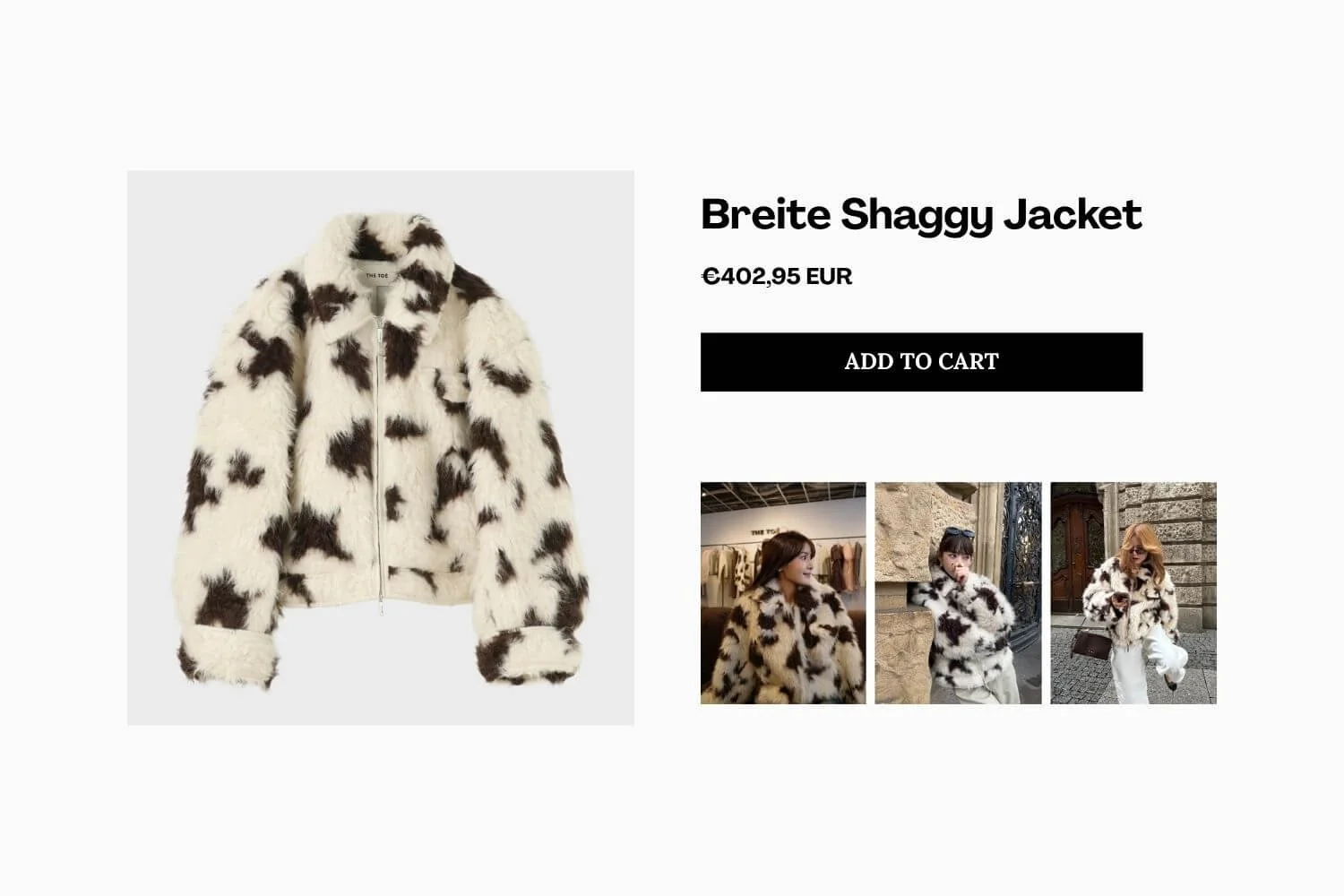
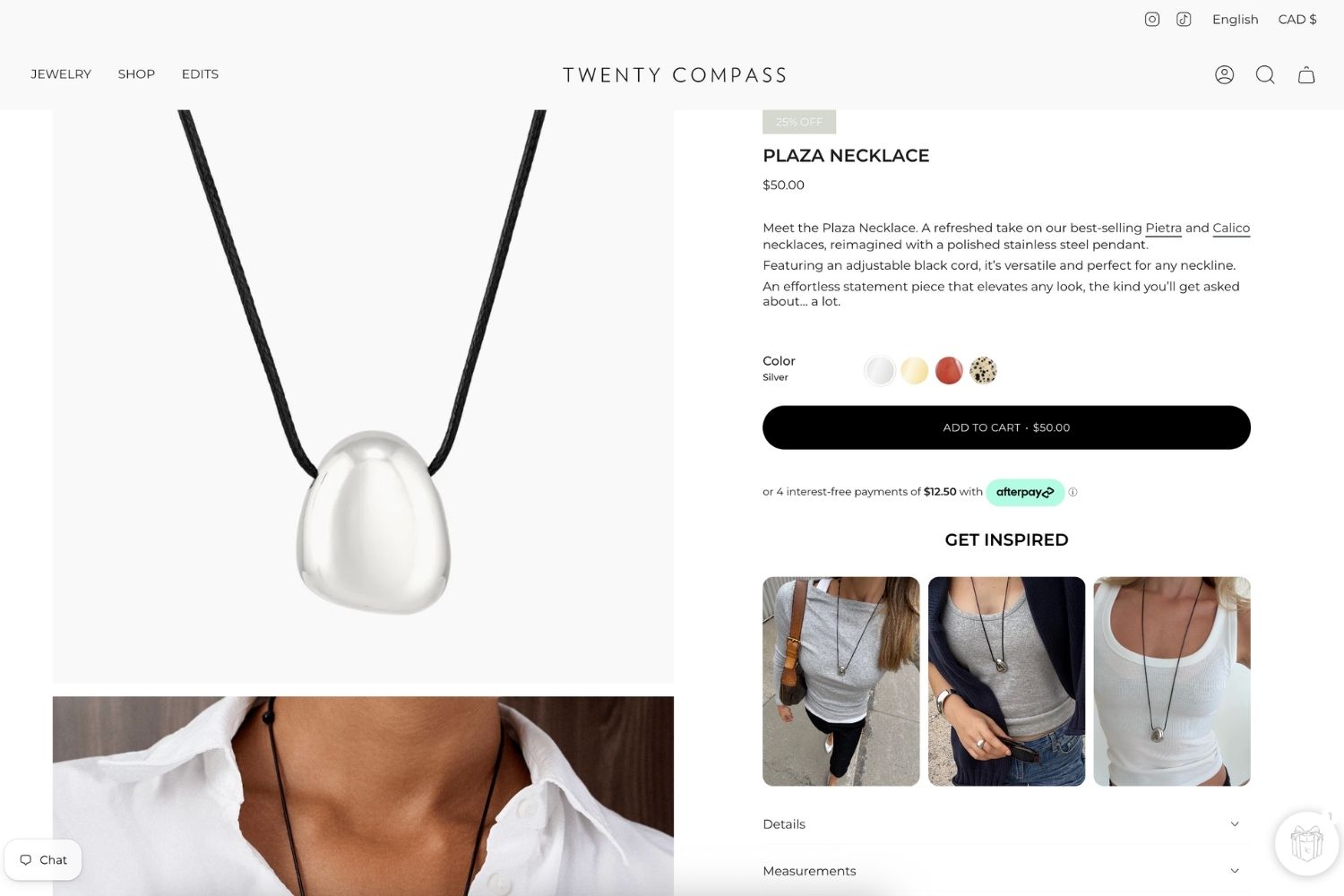
- “How does it look on a person?” A strip of tagged customer photos sits under the product description, filtered to the product on screen.
- “Does anyone I trust use this?” Influencer posts and Reels appear near the reviews section, where shoppers already look for outside opinions.
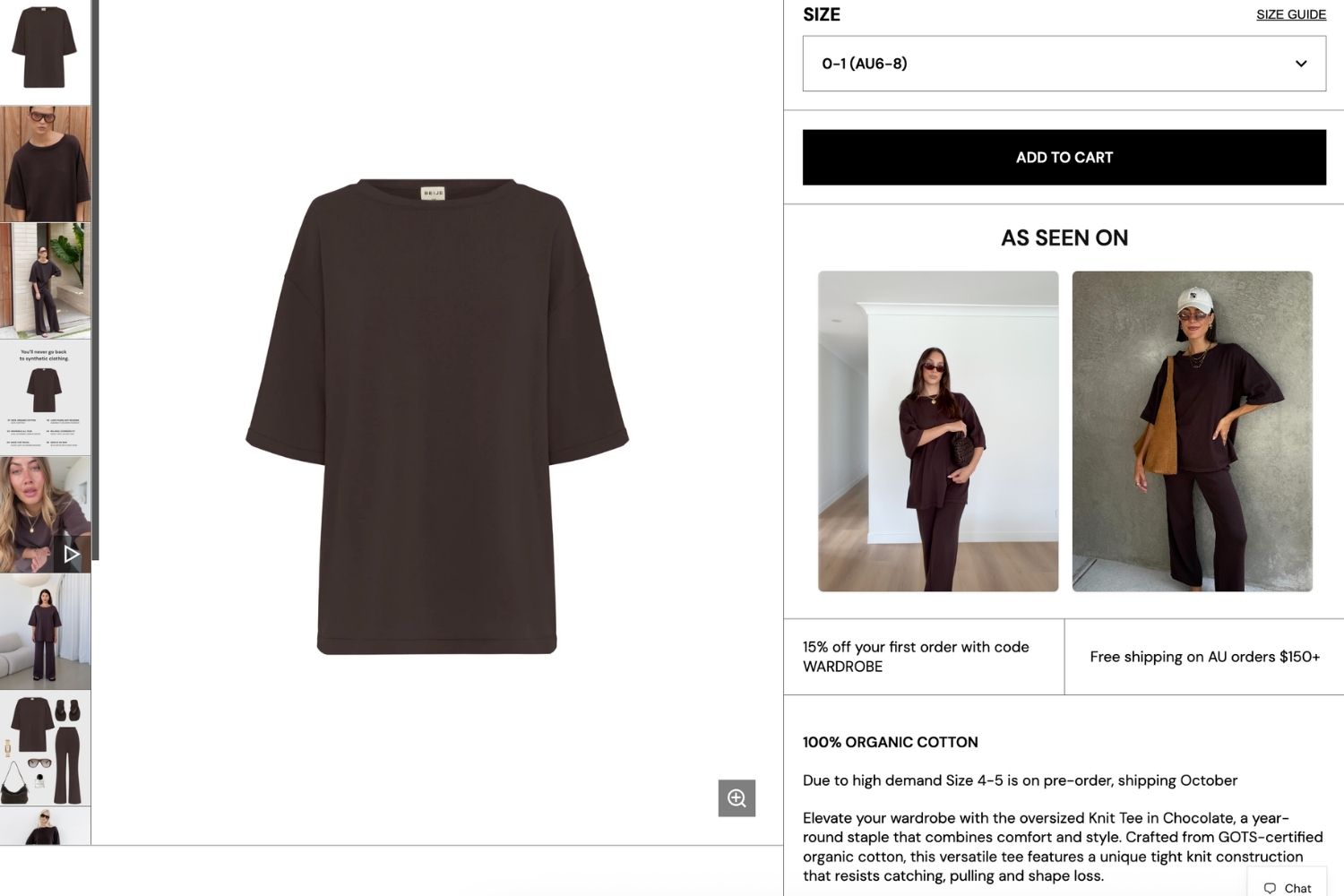
- “What else goes with it?” A shoppable slider shows the product styled with other items, and shoppers add those items to cart from the post.
Reebok Australia uses our app Mintt Instafeed to bring its Instagram content onto its Shopify storefront. The pattern you choose shapes the next decision: which type of app can deliver it.
Which Shopify Apps Embed a Shoppable Instagram Feed on a Product Page?
Five types of tools can put Instagram content on a Shopify product page. They differ most in how they load, and that decides their speed cost.
| Option | How it installs | Filters posts by product? | Speed risk |
|---|---|---|---|
| Dedicated Instagram feed apps | Theme app block | Often, through product tagging | Low when built as an app block with lazy loading |
| UGC and review suites with Instagram galleries | App block or app embed | Usually, tied to review and UGC data | Varies, since one suite script may power several widgets |
| Shoppable video apps | Theme app block | Yes, per product | Higher if videos autoplay or preload |
| Page builder Instagram elements | Inside the builder's page layout | Rarely | Depends on the builder's own script load |
| Manual embed code or third-party widget scripts | Pasted into theme files | No | Highest, since the code sits outside Shopify's app block system |
For a feed that shows the right posts on each product and stays light, a dedicated Instagram feed app installed as an app block is usually the best fit. A review suite makes sense if you already run it for reviews and want one tool.
What to Check When Choosing an Instagram App
Use these checks to compare specific apps in the Shopify App Store:
- Built for Shopify badge. Apps with this badge must not reduce a storefront's Lighthouse performance score by more than 10 points. Shopify weights product pages at 40% of that test.
- App block installation. The listing or help docs should show the feed added through the theme editor, not through code you paste into theme files.
- Product-level filtering. The app should show only posts tagged with the product on screen, with a fallback for products that have no tagged posts yet.
- Shoppable posts. Shoppers should be able to add the tagged product to cart from the post without leaving the page.
- Stable Instagram connection. An official Meta-approved connection keeps the feed running through Instagram API changes.
Where Mintt Instafeed Fits
Mintt Instafeed is one of the longest-standing Instagram feed apps on Shopify. It launched in 2016, runs on 300,000+ active stores, and holds a 4.9-star rating on the Shopify App Store. It carries the Built for Shopify badge and is an official Meta-approved app.
For product pages, Mintt Instafeed's product and collection feeds show only the posts tagged with the product on screen. A fallback setting fills empty spots with recent posts, so a new product never shows a blank section.
Shoppable posts let shoppers add to cart directly from the feed. Feeds come in grid, slider, and Reels-style layouts, carry no watermarks, and UGC videos play without view limits.
How to Keep Product Pages Fast With a Shoppable Feed
A shoppable feed should add proof to your product page without adding wait time. Most of that comes down to the app you pick. The rest comes down to a few placement choices.
Choose an App Shopify Has Tested for Speed
Start with an app that carries the Built for Shopify badge. Shopify tests these apps on storefronts, and they must not lower a store's performance score by more than 10 points.
Mintt Instafeed carries the Built for Shopify badge, so it meets Shopify's performance standard for storefronts. You connect Instagram, pick a layout, and add the feed without code or developer help.
Add the Feed From the Theme Editor
On most current Shopify themes, you add Mintt Instafeed to your product page template from the theme editor, the same way you add any other section. Nothing gets pasted into your theme code, so your theme stays clean if you change apps later.
Place the Feed Below the Main Product Image
Put the feed under the product description or the reviews. Shoppers see the product photos and the add-to-cart button first, which keeps the first screen focused and quick to load.
This spot also matches how shoppers read a product page. They check the product first, then scroll down looking for proof from other buyers.
Go Easy on Autoplay Video
Reels and customer videos add the most weight to any feed. On product pages, a grid or slider where videos play on tap keeps the page light and puts shoppers in control.
Clear Out Apps You No Longer Use
Old apps can leave scripts behind that slow down every page. Shopify recommends removing any script, including app scripts and tracking pixels, that isn't earning its performance cost. Check details on Shopify Performance best practices.
Measure the Impact Before and After
Speed claims on a listing are a starting point, not proof for your store. Test your own product template before and after you add the feed.
- Run Lighthouse or PageSpeed Insights on a live product page three times and note the median performance score.
- Add the feed through the app block, place it below the fold, and publish.
- Rerun the same test three times on the same page.
- Compare Largest Contentful Paint and Cumulative Layout Shift, not only the overall score.
Aim to stay within 10 points of your starting score, the same bar Shopify sets for Built for Shopify apps. If the drop is larger, check whether the feed sits above the fold, loads full-size images, or autoplays video.
Frequently Asked Questions
Does an Instagram feed slow down a Shopify store?
It can, if the feed loads full-size images, autoplays video, or runs render-blocking scripts. A feed installed as an app block, placed below the fold, and lazy loaded adds little to the initial load. Test your product page before and after to confirm.
Can I show different Instagram posts on each product page?
Yes, with an app that filters posts by product tag. Mintt Instafeed's product feeds show only the posts tagged with the product on screen, with an optional fallback to recent posts.
Do I need a developer to add a shoppable feed to product pages?
Not on Online Store 2.0 themes. You add the app block in the theme editor and position it like any other section. Vintage themes need a Custom Liquid section, which takes a few lines of container code.
Will my feed break when Instagram changes its API?
That depends on how the app connects to Instagram. Mintt Instafeed is an official Meta-approved app, and its feeds stay stable through Instagram API changes.
Start With One Product Template
Pick your best-selling product, add a filtered Instagram feed below the description, and measure the page before and after. If the speed holds and shoppers engage with the feed, roll it out to the rest of your product templates.
Make your Instagram shoppable with Mintt Instafeed, installed as an app block on your product pages.
Updated by Mintt Studio Team on September 25, 2026

We are a small team building big things as a Shopify Partner. Offering reliable solutions for merchants, our apps reach 900 million customers every month.